
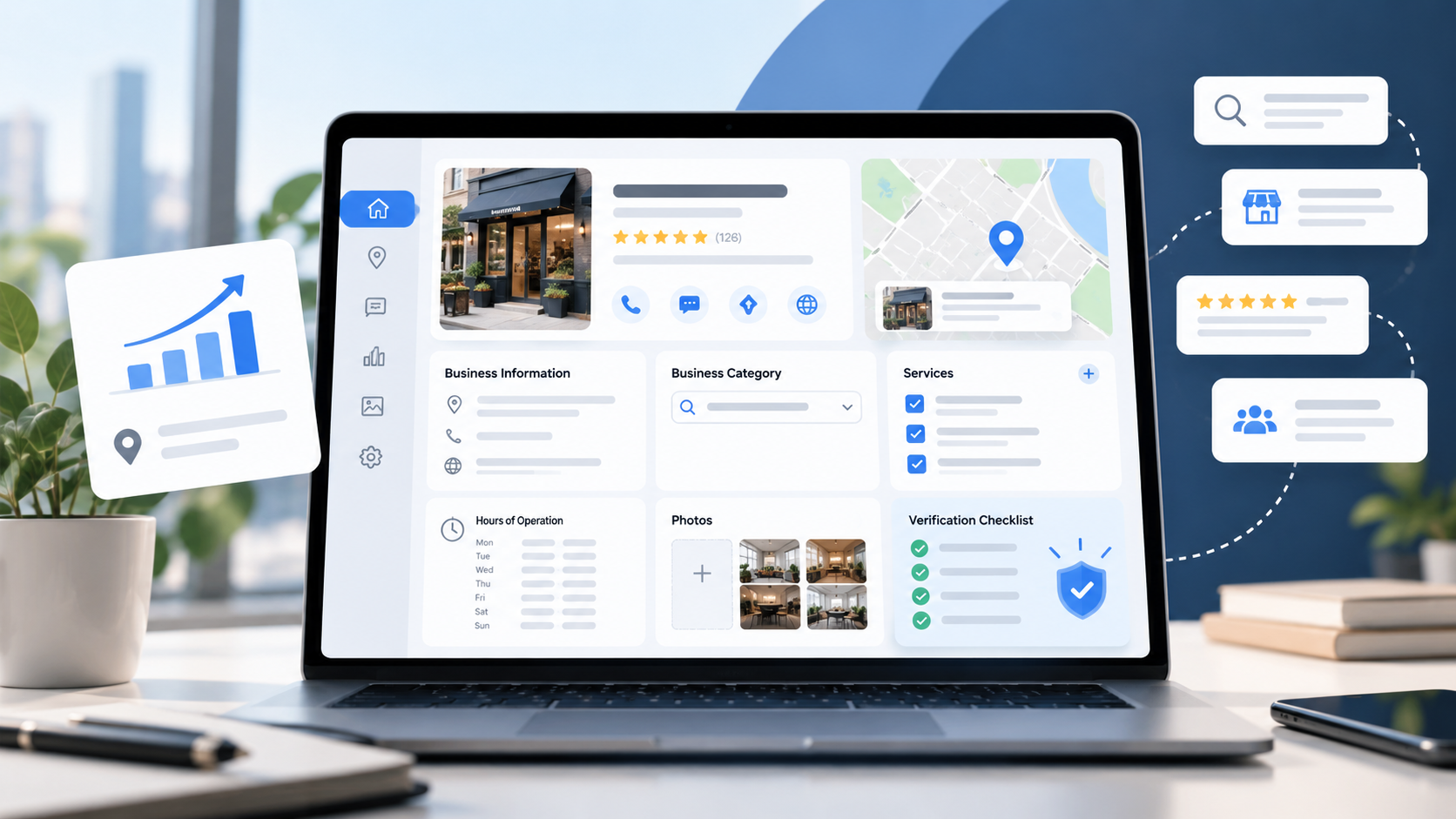
1. Make Sure You're Using the Right Profile
Start your Google Business Profile setup by searching Google Maps for your business name and town. If an unclaimed profile already exists, claim it rather than making another.
If the listing isn't there, you can start at Google's free business setup page . Don't create a duplicate just because you can't access an existing profile; use Google's ownership request process instead.
Start with the actual name customers know, not a name padded with extra services or city keywords.
2. Check the Primary Category
Your category tells Google and customers what kind of business you run. It should describe what your business is, not everything it has.
For a company that mainly removes and trims trees, choosing an unrelated landscaping category just to reach more searches can send the wrong message.
In your profile, open Edit profile and review the primary category. Choose the most specific accurate option Google offers. Add secondary categories only when they genuinely describe the business.
3. Get Your Location and Service Area Right
Does your crew travel to customers, or can customers visit an eligible staffed location?
If you work at customers' properties and don't receive them at your business address, Google says to hide that address and set your service area instead. If you serve customers at a staffed, eligible storefront and travel to them, both location and service area may be appropriate.
Enter cities or ZIP codes you actually cover. Don't use a mailbox or virtual office to make your company appear closer to a desirable market.
An inaccurate service area can also confuse someone ready to request an estimate.
4. Give Customers Enough Detail to Act
Imagine a homeowner needs a hazardous tree removed. They find your profile, but it only says "tree services." Do you remove trees? Handle storm damage? Offer stump grinding?
As part of Google Business Profile setup, select Edit services and add the actual services you provide. Use short descriptions where they're helpful. Google allows custom services when your exact service isn't available in its list.
Then check your main phone number, website, regular hours, and any special hours. Make sure your website link takes people to a page that explains your services and makes contacting you straightforward.
The goal isn't to cram keywords into every field. It's to answer the questions that stand between a search and an inquiry.
5. Finish Verification, Then Inspect the Public Result
Finishing the information fields during Google Business Profile setup isn't the same as verifying your business. Google decides which verification methods are available , and some businesses may need additional steps.
Follow the method shown in your account and watch for a confirmation or further instructions. Google says its review after you complete verification can take up to five business days, sometimes longer. Once verified, search for your business as a customer would.
On both your phone and a computer, check what people actually see. Can they read the services, identify the service area, and call or visit your website without hunting?
Before the Next Customer Makes That Choice
Go back to the search that started this article: a potential customer comparing businesses in Google Maps.
You can't control every factor that determines who appears first. But you can control whether your profile accurately answers their most basic questions.
If you're unsure what needs fixing, DeVoy Marketing can review your Google Business Profile and help you identify the next practical steps.