
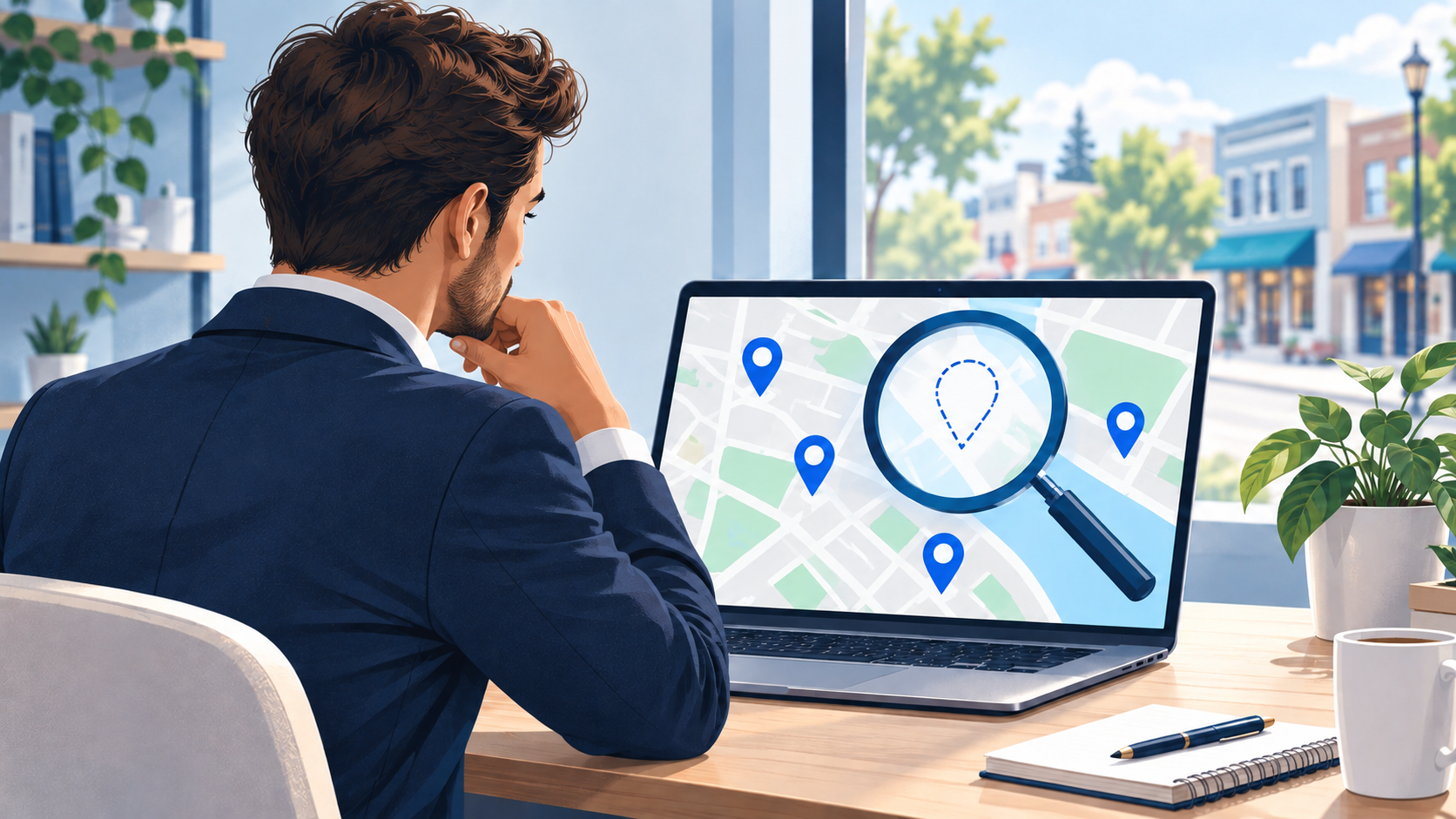
First, Search for Your Business by Name
Open Google Search and type your full business name followed by your city. Try the same search in Google Maps.
For example, search “your business name Port Charlotte” instead of “tree service near me.” This helps you check whether Google can find your business at all.
Next, open a private browser window and repeat the search. This gives you another view without your signed-in account. Your location can still affect the results.
If your profile appears by name, people can find it with that search. If it does not appear when you search for your services, skip ahead to the section on local rankings.
If you still can’t find it, check the account that manages your profile.
Check Whether Google Needs Proof of Your Business
Sign in to the Google Account you use for your Business Profile. Search for your business name and city, or search “my business,” to find the tools that let you manage it.
Look for a Get verified button or a message asking for more details. Google may need proof that you own or manage the business. This step is called verification.
This is one place to look when wondering, “why is my business not showing up on Google,” even if you already sent a video or another form of proof.
Sending proof starts the review. It does not mean the review is done. Google says these reviews can take up to five working days and sometimes longer. Follow the steps shown in your account.
If you’re setting up your profile for the first time, our Google Business Profile setup checklist can help you check the basics.
Look for a Notice from Google
If your profile used to appear and is now missing, check your account notices and emails from Google.
A notice may say your profile is suspended or disabled. That means Google has blocked it. It will not show to other users until the problem is fixed.
Read the reason Google gives you. Check the rules linked in the notice and fix the problem before asking Google to review its decision. That request is called an appeal.
Keep your business records ready. A business license or other official record may help support your appeal.
Do not create a new profile for the same business to get around the block. Google tells businesses to use the appeal process.
If there’s no notice, think about what changed before the profile went missing.
Did You Recently Change Your Business Details?
A new address, business name, or other update can lead Google to ask for more proof. Check for a new request, even if your profile was verified before.
Recent changes can also take time to appear in search results. Google says changes can take up to three days. That does not promise your business will reach a certain spot after three days.
Before changing more details, write down what you edited and when. Then check whether Google is still reviewing the change or needs you to finish another step.
Your Profile May Be Showing Lower in the Results
You may still ask, “why is my business not showing up on Google,” when your profile appears by name but is missing from searches such as “plumber near me.”
In that case, Google can find your profile. The next question is why other businesses appear ahead of it.
Google explains that local results depend mainly on three things: how well your business fits the search, how close it is to the person searching, and how well-known it is.
Reviews and links from other websites can play a part too. Start with details you can check:
- Choose a business category that fits what you do.
- Keep your phone number, hours, and website link correct.
- Add clear details about your services.
- Ask real customers for honest reviews.
These steps help Google understand your business and help customers choose you. They do not guarantee a top spot. Your place in the results can also change across different parts of town.
If you work from home and visit customers, do not show your home address just to try to rank higher. Read our guide to hiding a home address on Google Business Profile before changing that setting.
If Your Website Is Missing, Check It Separately
Your Business Profile can appear while your website is missing from search results.
For a website, the next check is Google Search Console. It is a tool that helps you see whether Google knows about your pages.
Open its URL Inspection tool and enter the page’s full web address. Check the result. If the page can be added to Google’s search results, you can request indexing. Indexing means adding a page to Google’s search list.
A request asks Google to visit the page. It does not guarantee that Google will add it to search results or put it near the top.
This check is for your website. It does not fix a blocked Business Profile.
Find the Cause Before Choosing the Fix
The answer to “why is my business not showing up on Google” depends on what your checks show. You may need to prove you manage the business, fix a problem Google flagged, check a recent change, or help nearby customers find you.
Start with your business name and city. Then check your profile’s status. That gives you a clear next step without changing settings at random.
Still unsure what’s holding your business back? Get Google Business Profile help from DeVoy Marketing. Tell us what you searched, what appeared, and any notice Google showed you. That gives us a place to start.